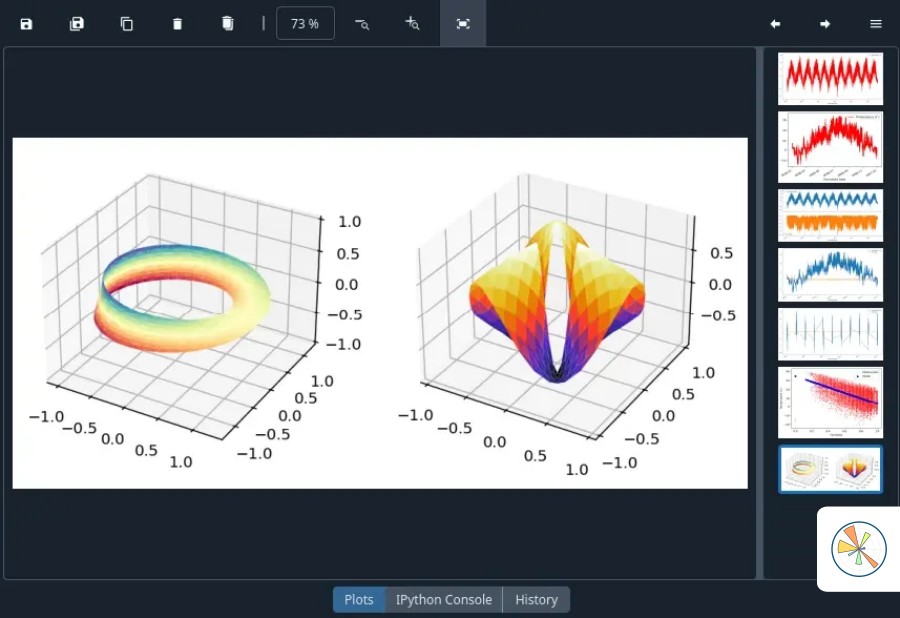
Spyder.cc — documentation & download notes
A steady desktop for numeric Python—not a trend-chasing toy
Spyder.cc explains how Spyder keeps scripts, consoles, and plots in one place so labs can teach and ship without rewiring their stack every semester.
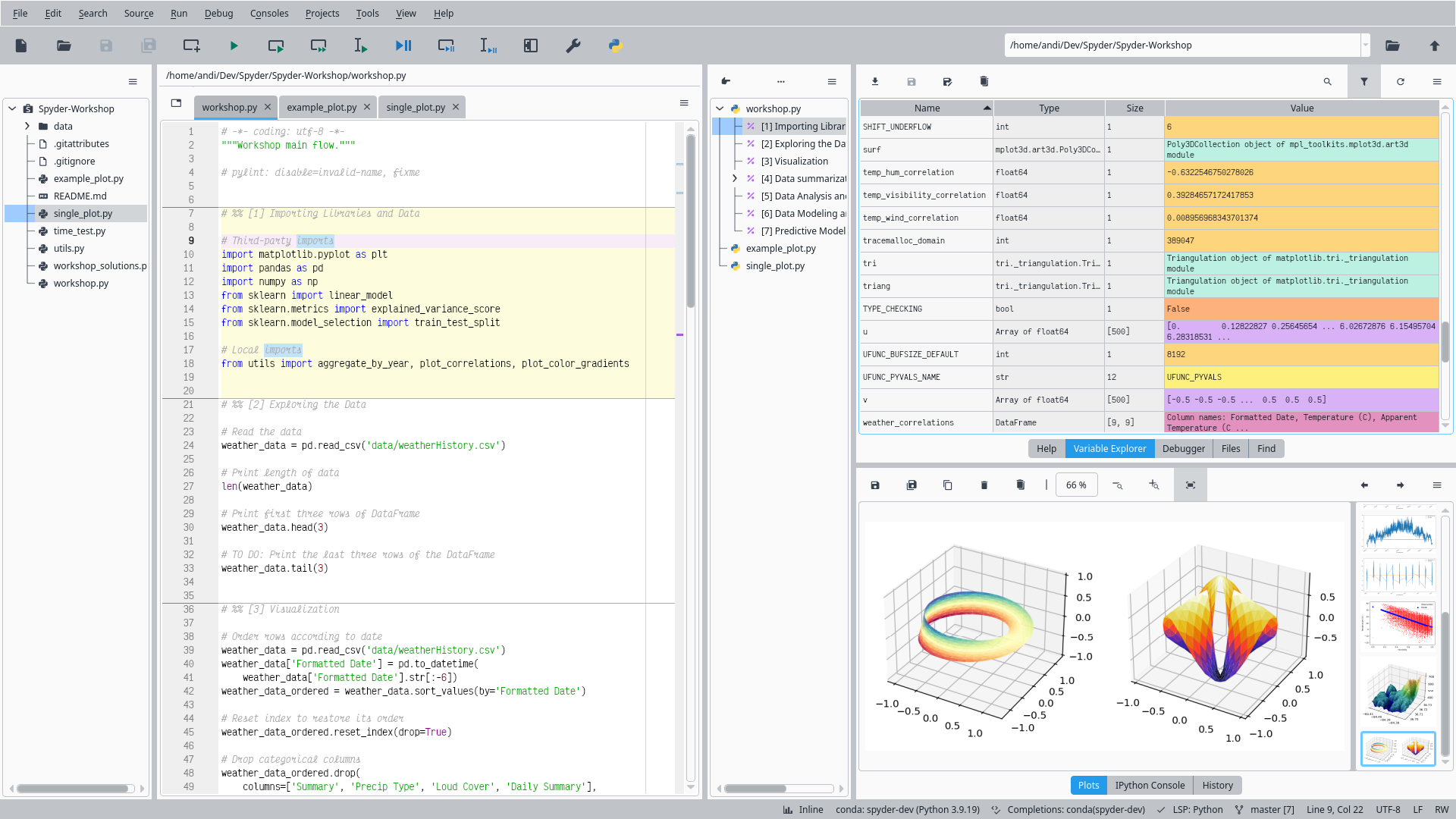
Light
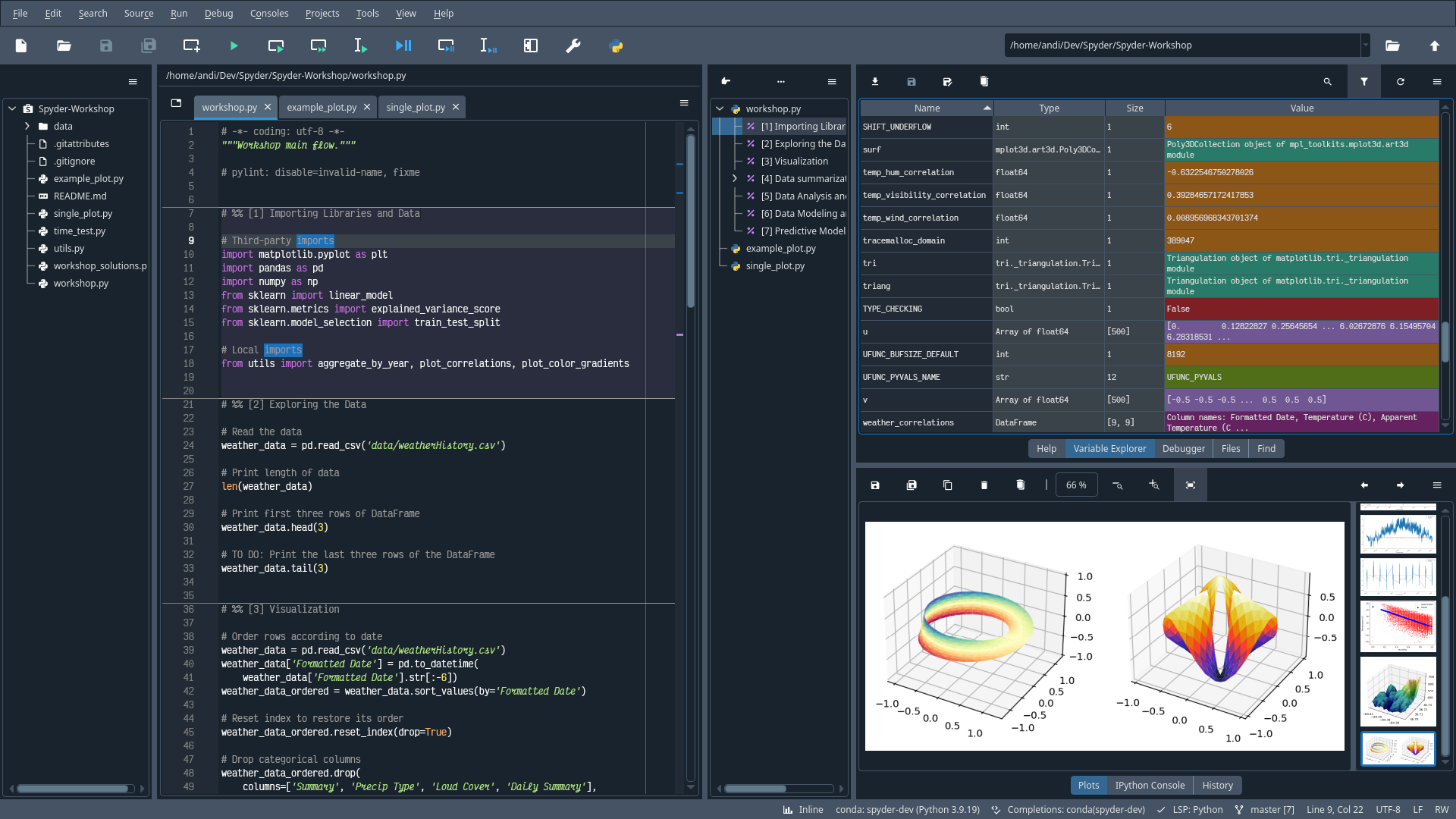
Dark
Where Spyder sits next to other Python desktops
Think in buckets—full IDEs, editor-first tools, and notebook-first surfaces—then read the rows as coarse guidance for research shops, not a bake-off scorecard.
| Spyder | PyCharm | VS Code | JupyterLab | |
|---|---|---|---|---|
| Scientific panes | ||||
| Startup and footprint | ||||
| Notebook style flow |
Panes that update while you execute code
Short loops below show how Spyder wires the editor, object browser, and inline help so you spend less time hunting windows.
Libraries you already rely on, opened inside Spyder
Numeric stacks, environments, and symbolic helpers plug into the same windowing model—handy when a course jumps from arrays to plots to algebra in one afternoon.
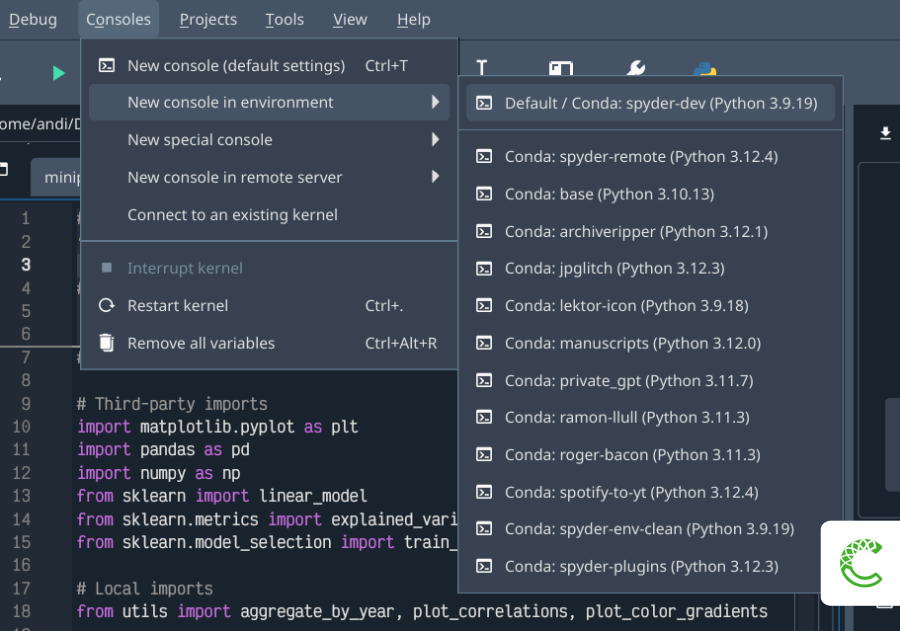
Conda
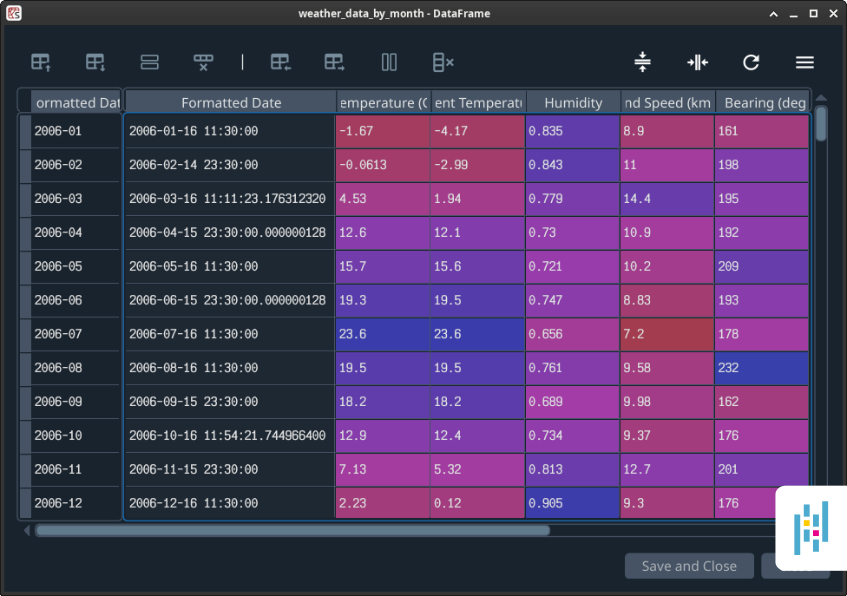
Pandas
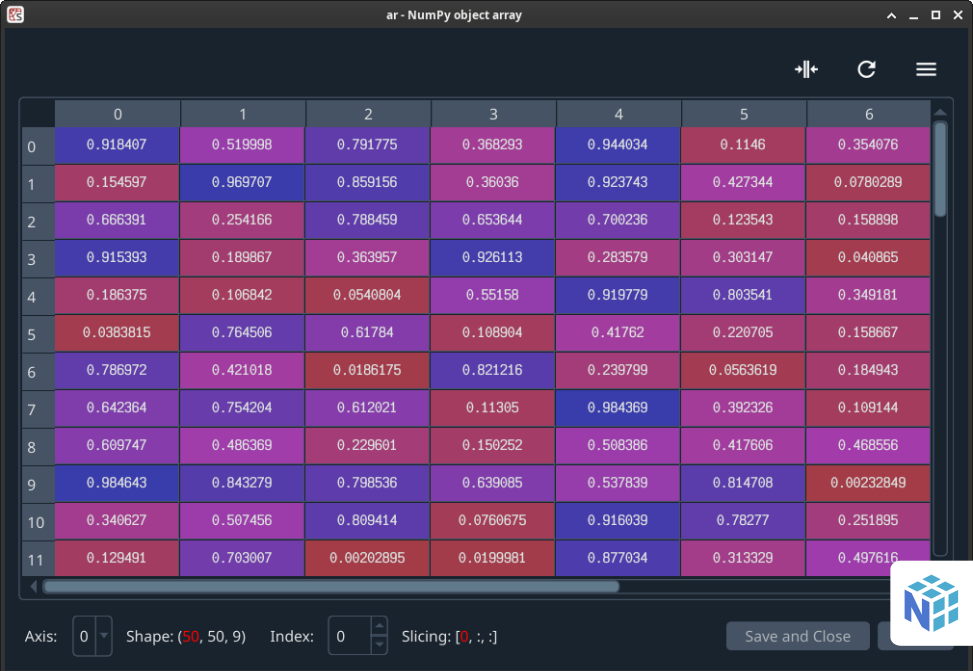
NumPy
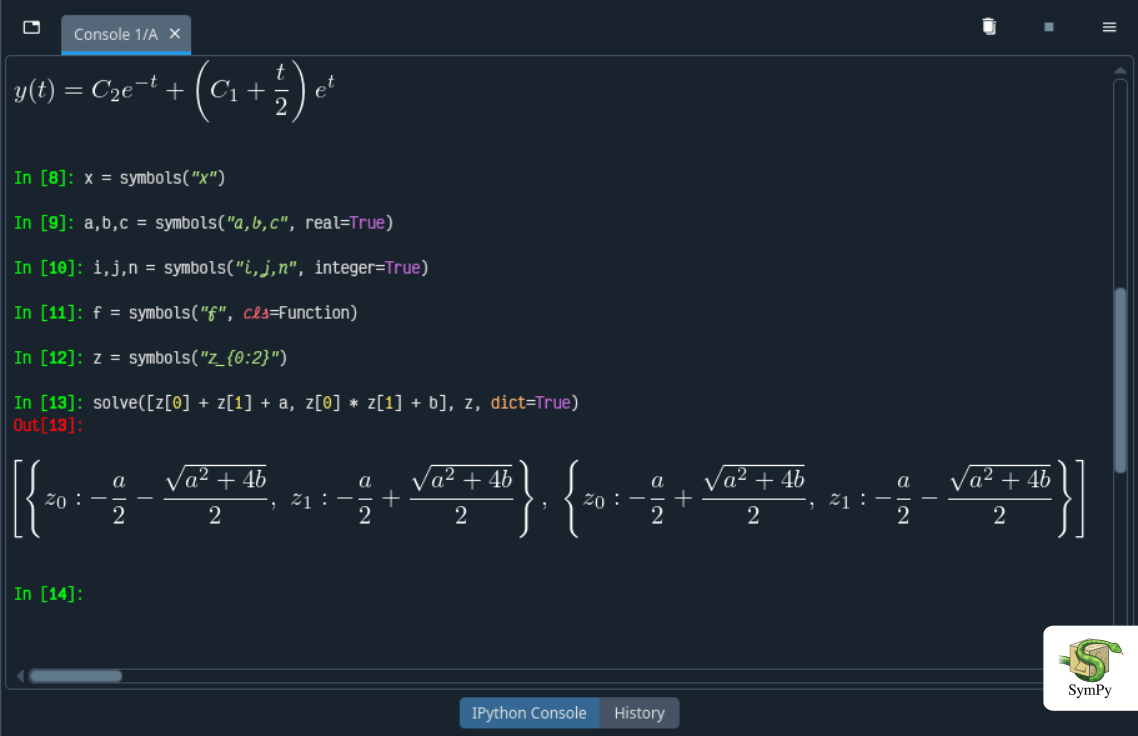
SymPy
Grow from scratch scripts toward tidy packages without giving up a REPL-first rhythm.
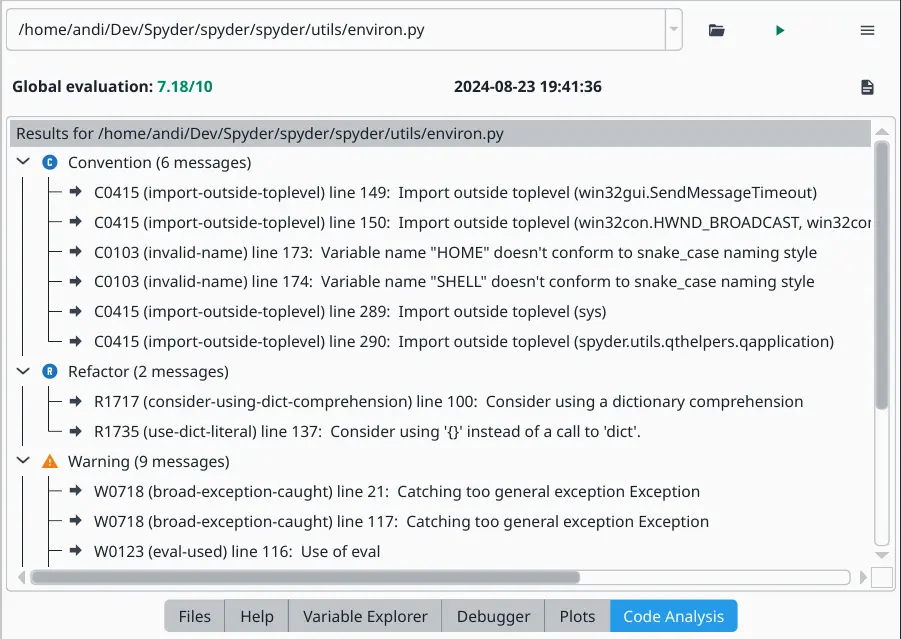
Code analysis
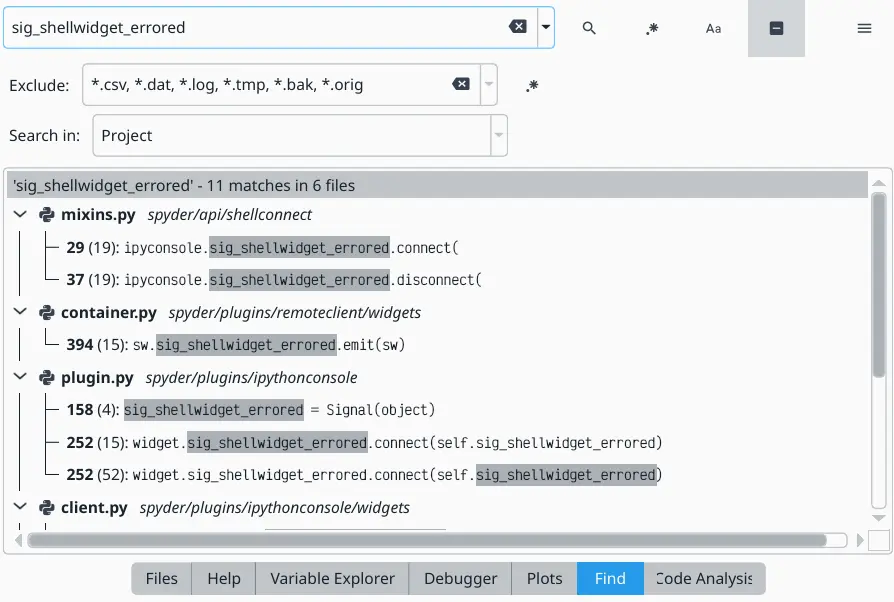
Search
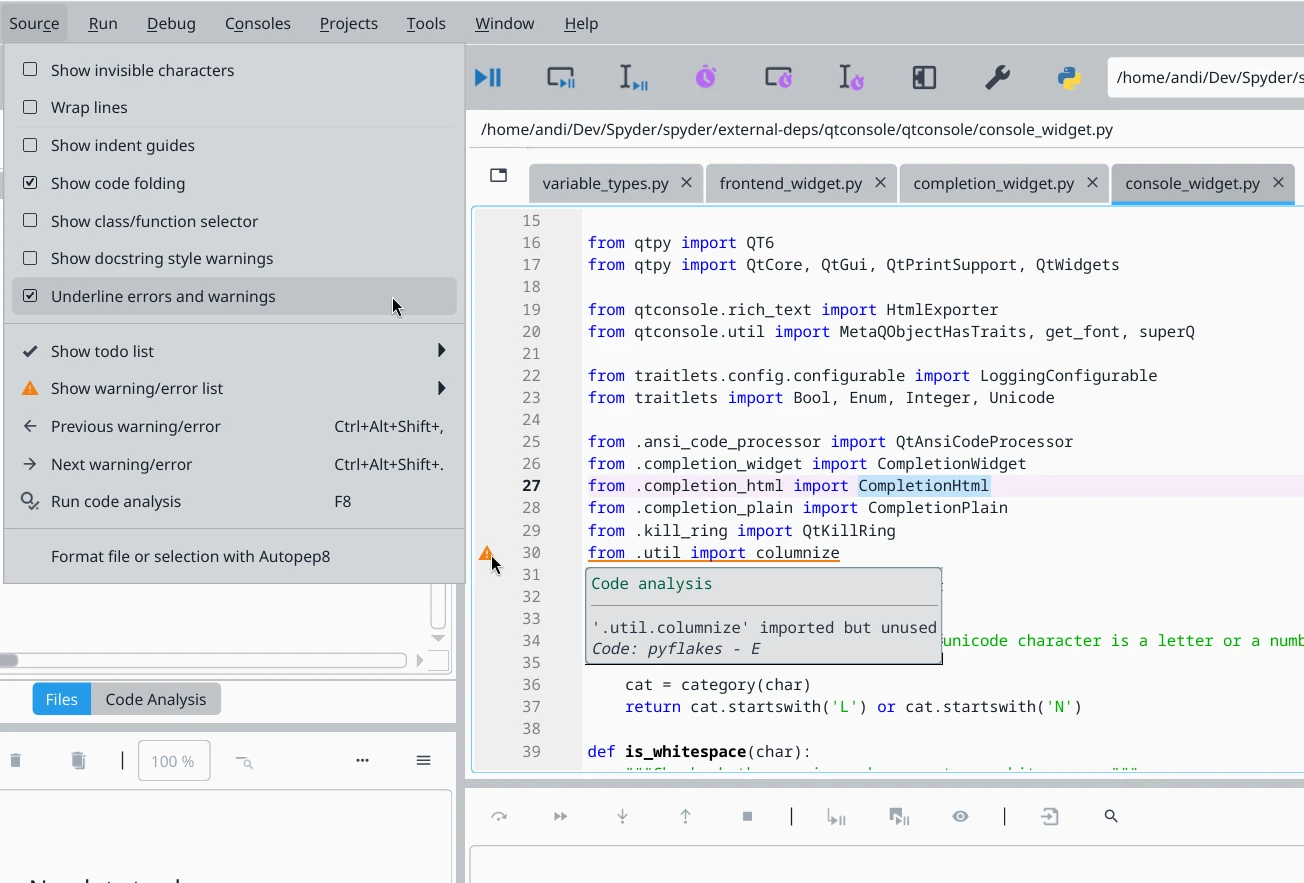
Developer tools
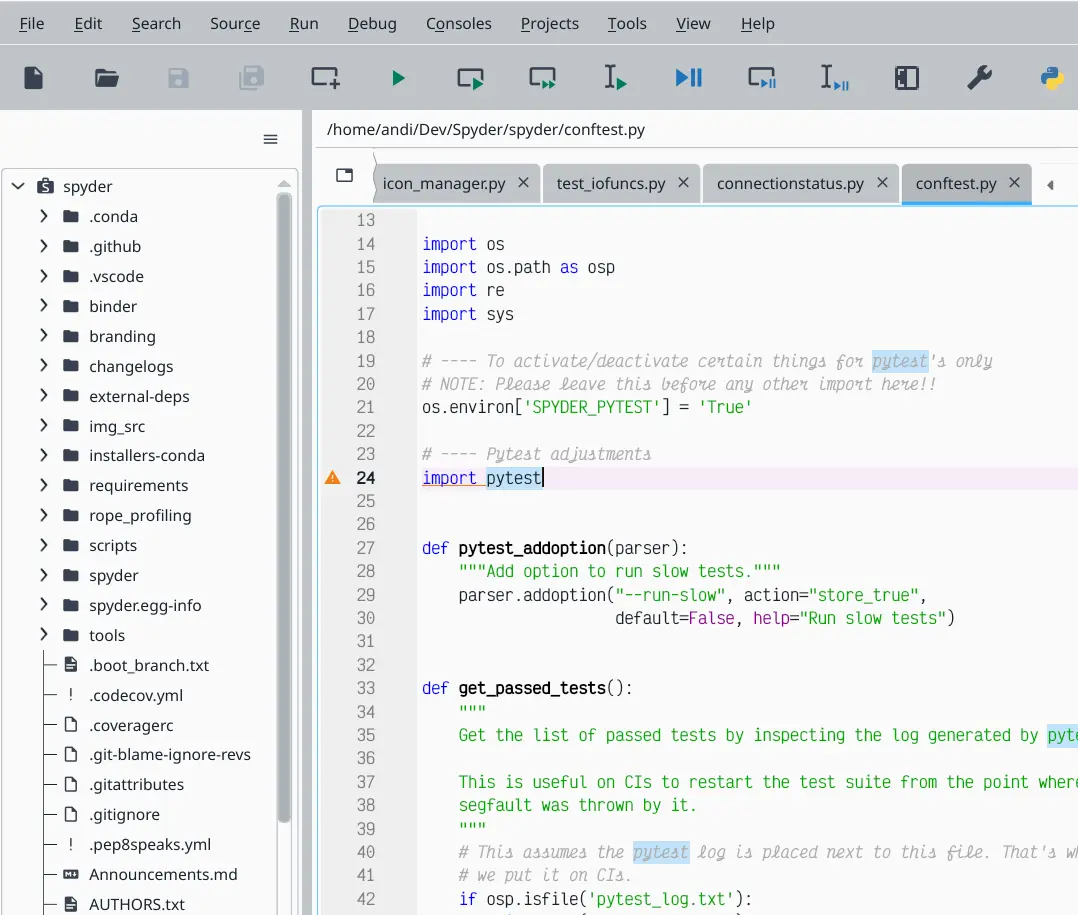
Projects
Установкаers that favor predictable lab rollouts
Pick a bundle, confirm checksums if your policy demands it, then let students launch the same build across the room.
Spyder still ships standalone installers so you are not forced through a novel package manager just to open a console on Monday morning.